
Live pose guide
An outline of the person in your photo appears on the camera screen, so you can match the pose.
AI camera app for Android
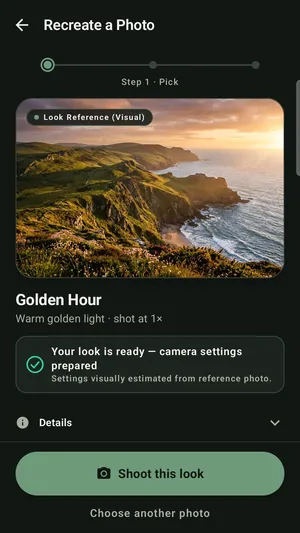
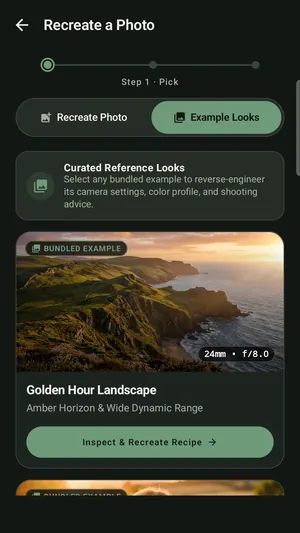
Pick a photo whose look you like. Lensque reads its framing, light and pose, sets up your phone's camera to match, and shows you where to stand. It all happens on your phone, so your photos stay with you.
How it works
Copying a photo you saw rarely looks the same. Lensque works out what made it look that way and sets your camera up for it.
Choose any photo from your gallery: a viral picture, an old family photo, or a look you saved.
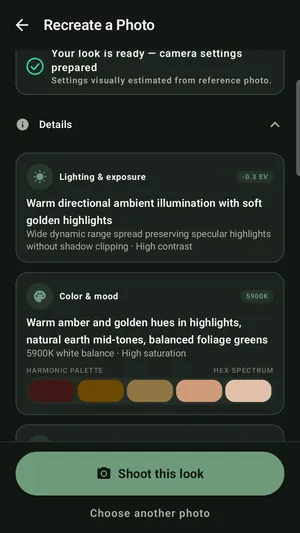
It suggests the lens, zoom, exposure and colour that fit the photo, using the cameras your phone really has.
A live outline of the pose sits on the viewfinder. Step into it, take the photo, and compare it with the original.
Features
You don't need to sign in to use any of it.
An outline of the person in your photo appears on the camera screen, so you can match the pose.
Lensque checks which lenses and controls your phone has and only suggests what it can really do.
See your shot next to the original, with a Pose and a Look score for how close you got.
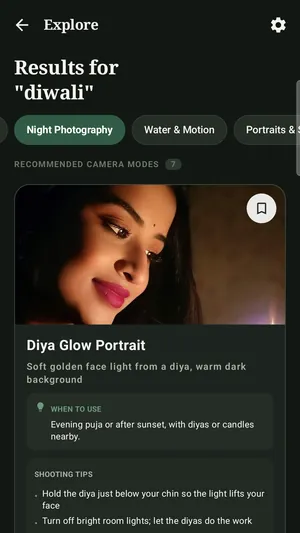
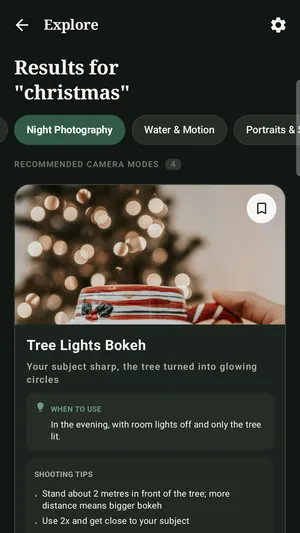
Ready-made looks for Diwali, Holi, Songkran, Loy Krathong, Christmas, New Year's Eve and more.
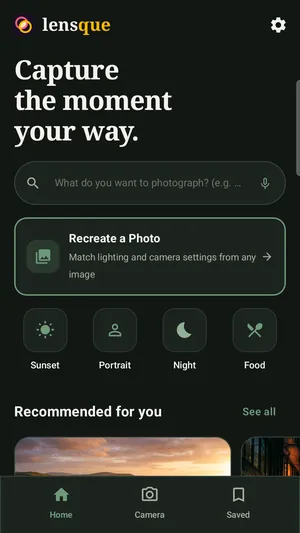
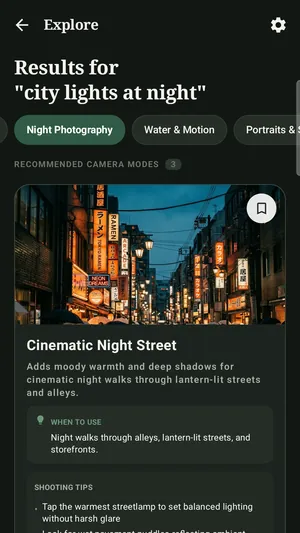
Type or say what you're shooting, like "sunset portrait at the beach", and Explore finds camera modes to match.
Use the app in English, Hindi, Spanish or Thai.
Set ISO and shutter speed yourself when your phone supports it, or leave them on auto.
Try a styled version of your shot, from warm tones to black and white.
Photos go to your gallery only when you tap Save, so test shots don't fill it up.
Screenshots
From a photo you love to camera settings, festival looks and tips. Swipe to see more.
Guides
Practical guides from the Lensque team. Each one works with any camera app.
Privacy
Lensque analyses photos on your device. It never uploads your photos or your camera feed. Usage statistics and crash reports stay off until you allow them. Read the privacy policy.